This article will show how to display lightbox popup with image, input form or any other content using Joomla built-in functionality.
For example, you can display contacts form on it.
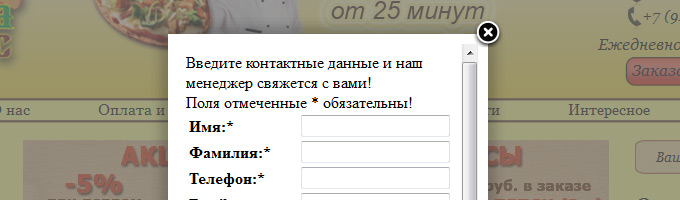
Joomla 2.5 already has built-in Lightbox functions, you can use them any time in any article or module.
If you want professional Frontend development services in PHP, Joomla, Laravel, contact us to get a quote.
First of all, insert the following code into the index.php file of your website template. You have to insert it in between the <head> and </head> tags.
<?php JHTML::_('behavior.modal'); ?>After you enabled lightbox, you may test it. Insert the link into any content article:
<a href="/link to image" class="modal">This picture will be displayed in lightbox</a>
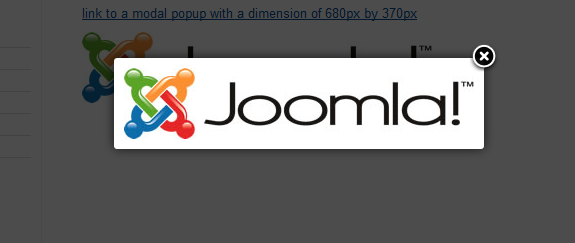
If you need to display some content, you have to specify the link as follows:
<a
 href="/link to the page" class="modal" rel="{handler:
'iframe', size: {x: 600, y: 300}}">This link will open  lightbox with width 600px, height 300px</a>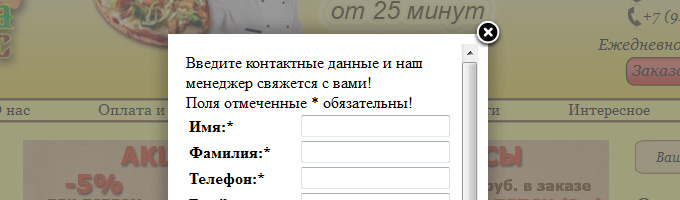
In such a way you can show any content, by adding class=”modal” and rel="{handler: 'iframe', size: {x: 600, y: 300}}" styles.
If you need to display the output of some Joomla component, for example some article, you nave to add ?tmpl=component to the link href.
For exmaple, You can test Lightbox working on this article. Just click this link.
Source: http://dev-blog.ru/?p=154